

SEO Reporting Dashboard for AIO Clients
Track Your SEO and Marketing Performance Anywhere
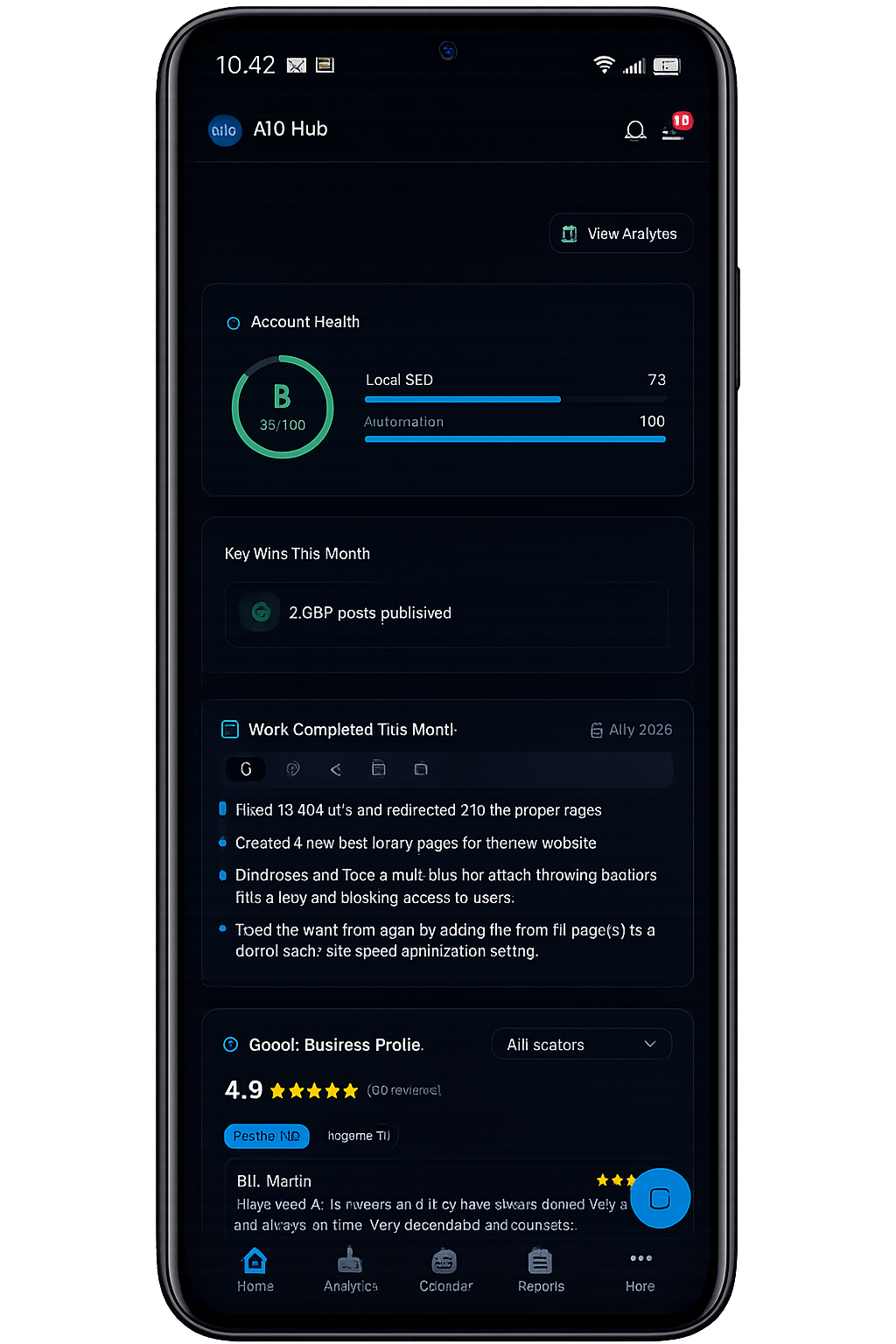
See your organic traffic, search visibility, conversions, Google Business Profile activity, paid advertising and content progress in one convenient dashboard. Access to the AIO Analytics App is included with qualifying monthly AIO Web Designs services.
PERSONALIZED CLIENT DASHBOARD
- Business-specific analytics
- Organic traffic and engagement
- Conversion and lead activity
- Search visibility trends
- Content and marketing progress
- Mobile and desktop access
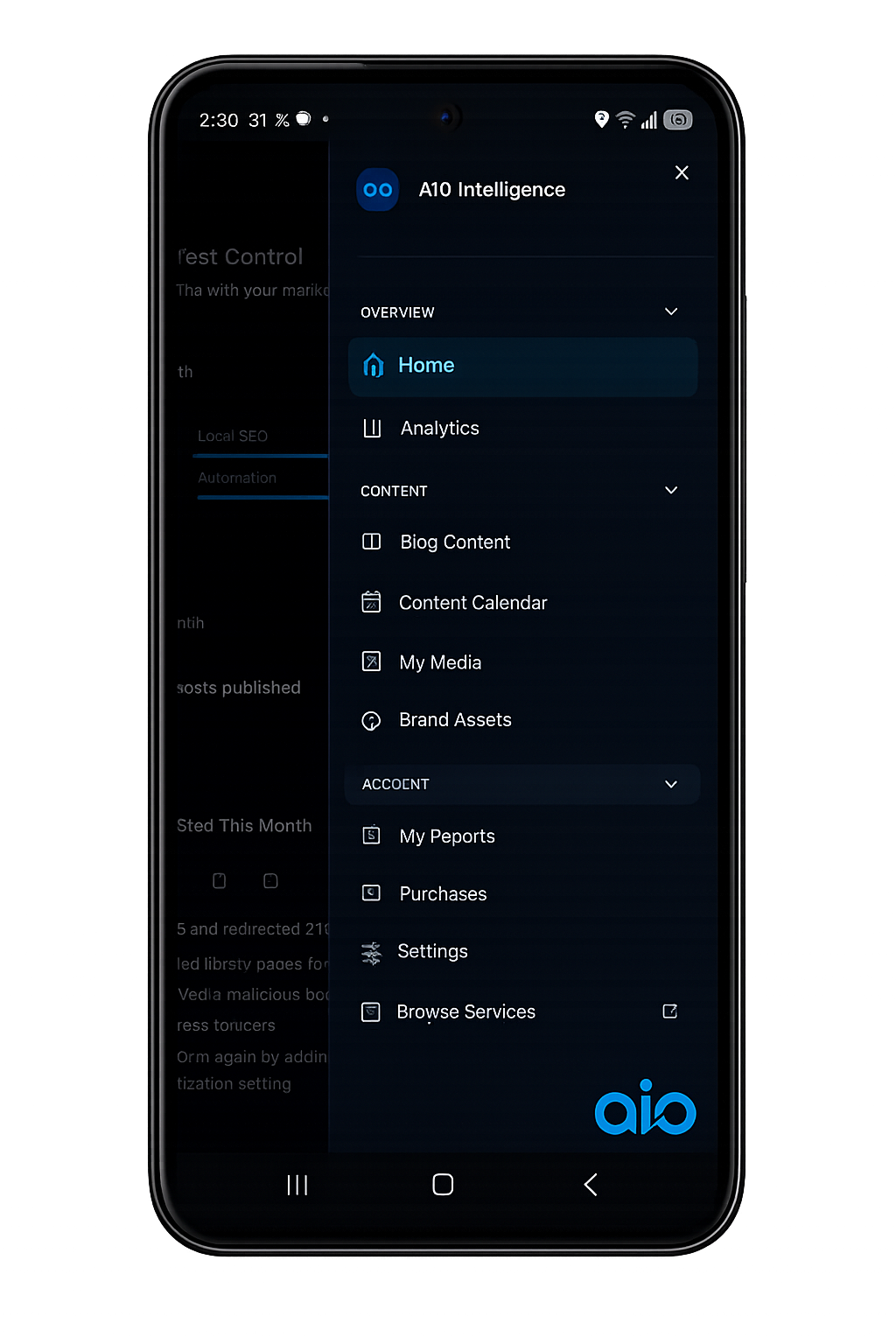
DIGITAL MARKETING DASHBOARD
- SEO performance dashboard
- Google Search Console data
- GA4 traffic and conversions
- Google Business Profile insights
- PPC and LSA performance
- Content publication tracking
CLIENT-ONLY ACCESS
Included With Qualifying Monthly Services- Secure business login
- Desktop and mobile access
- Personalized client data
- Connected marketing insights
- Monthly reports and updates
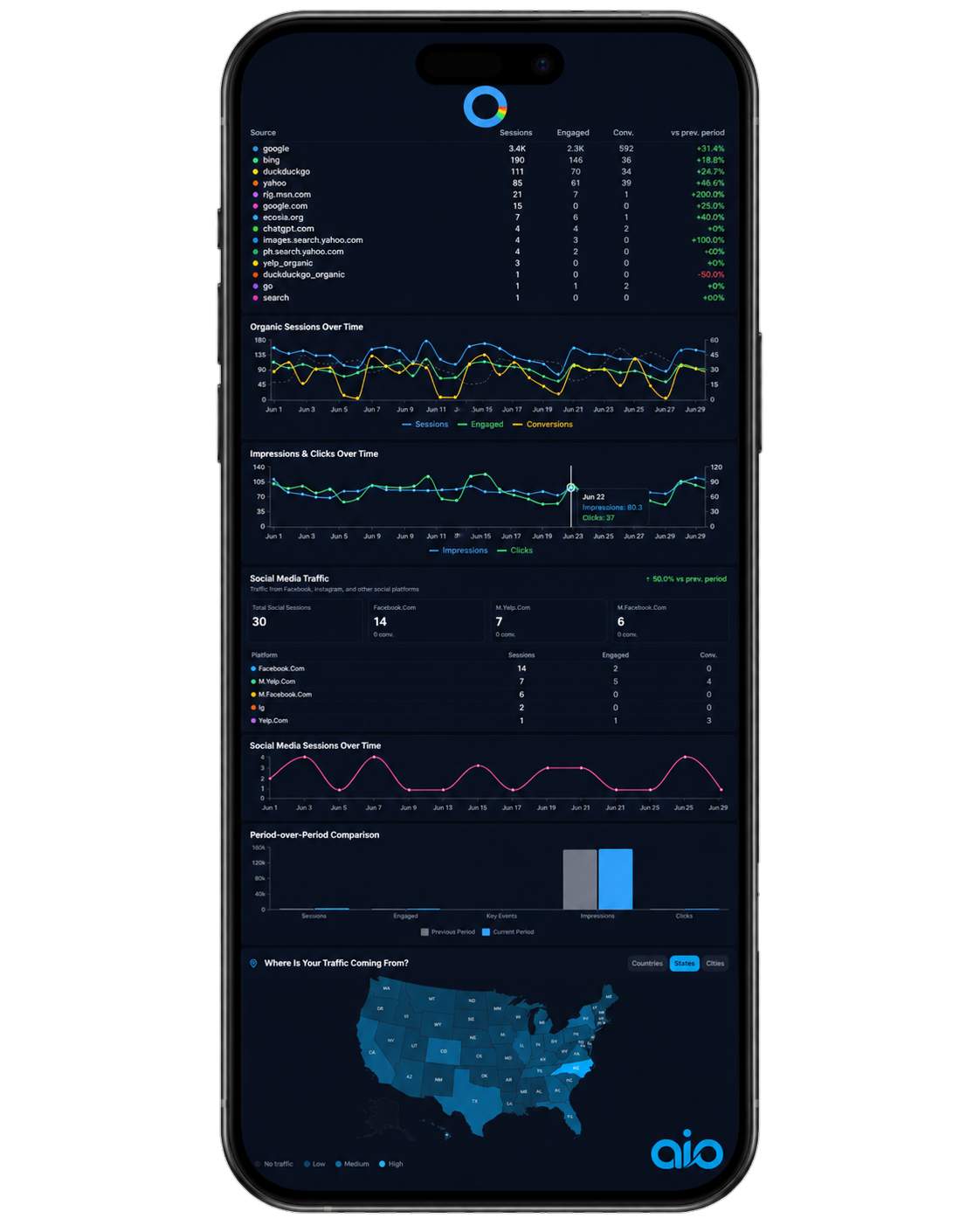
TRAFFIC SOURCE REPORTING
See Where Website Traffic Comes From- Organic search traffic
- Paid traffic
- Referral traffic
- Social traffic
- Engaged sessions
- Traffic-source comparisons
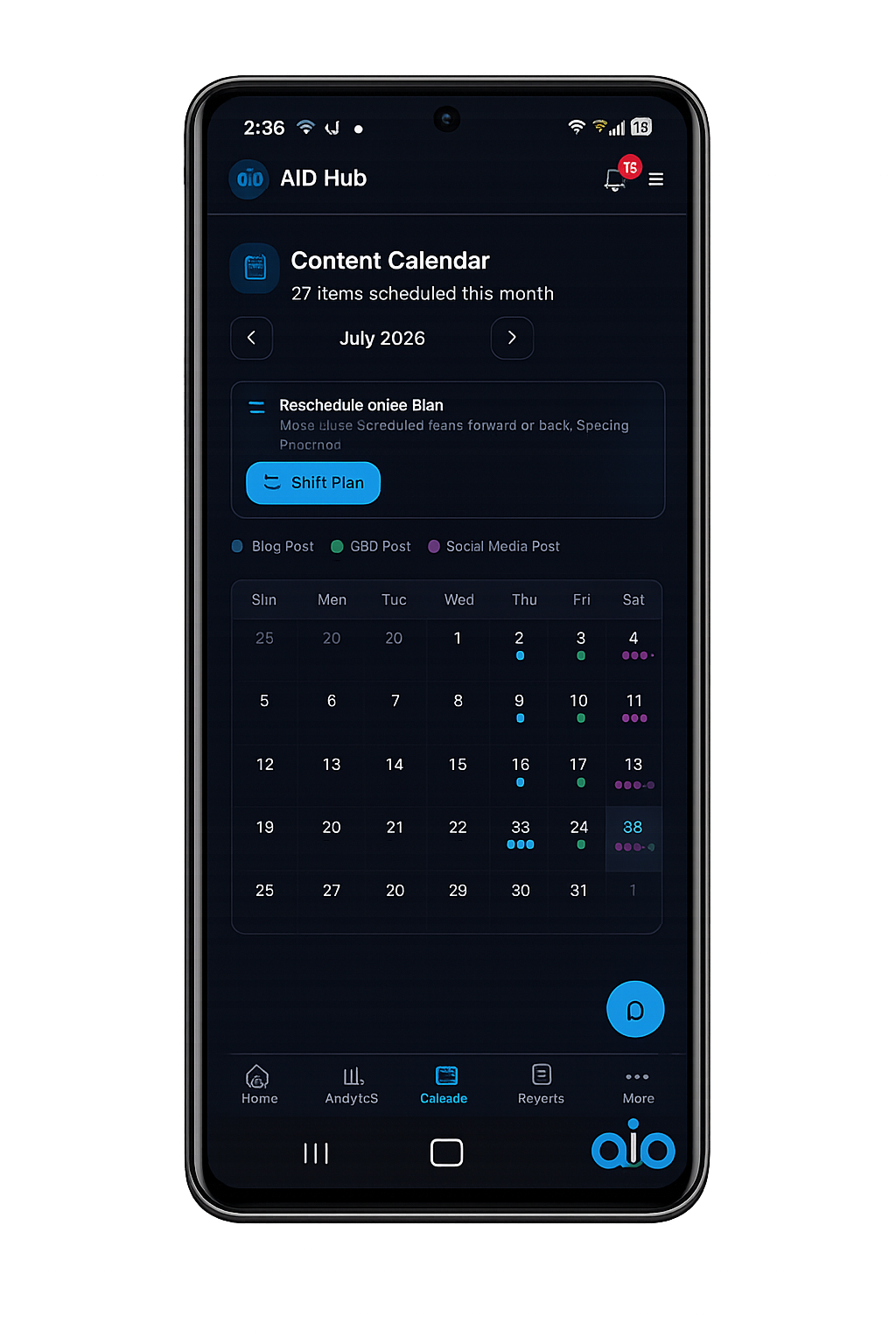
CONTENT CALENDAR
See What Content Is Planned and Published- Blog publishing schedule
- GBP post calendar
- Social media content
- Monthly content overview
- Scheduled publication dates
- Content-status visibility
CONVERSION TRACKING
Measure Actions That Matter to Your Business- Phone-call activity
- Organic key events
- Page-level conversions
- Conversion trends
- Engagement metrics
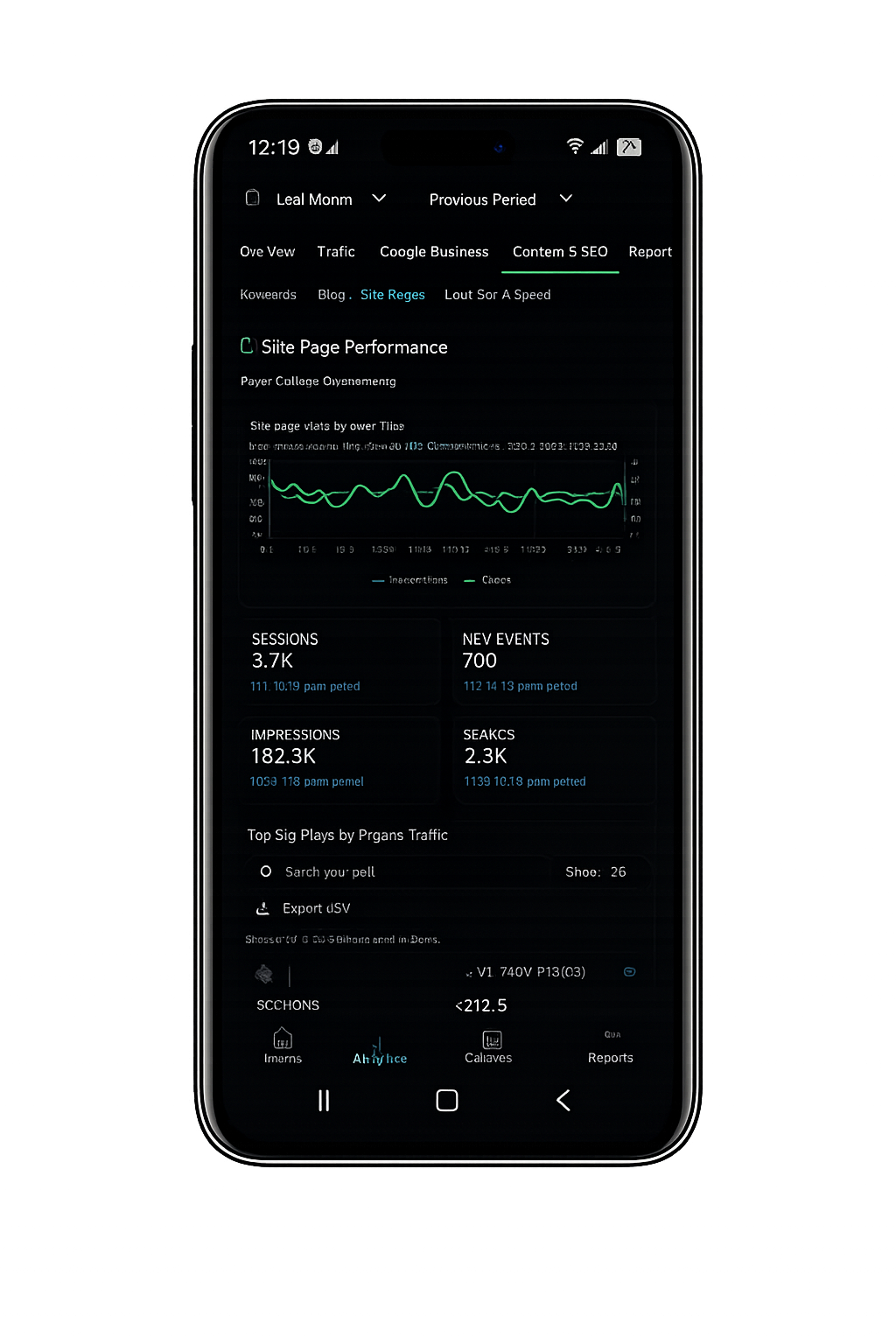
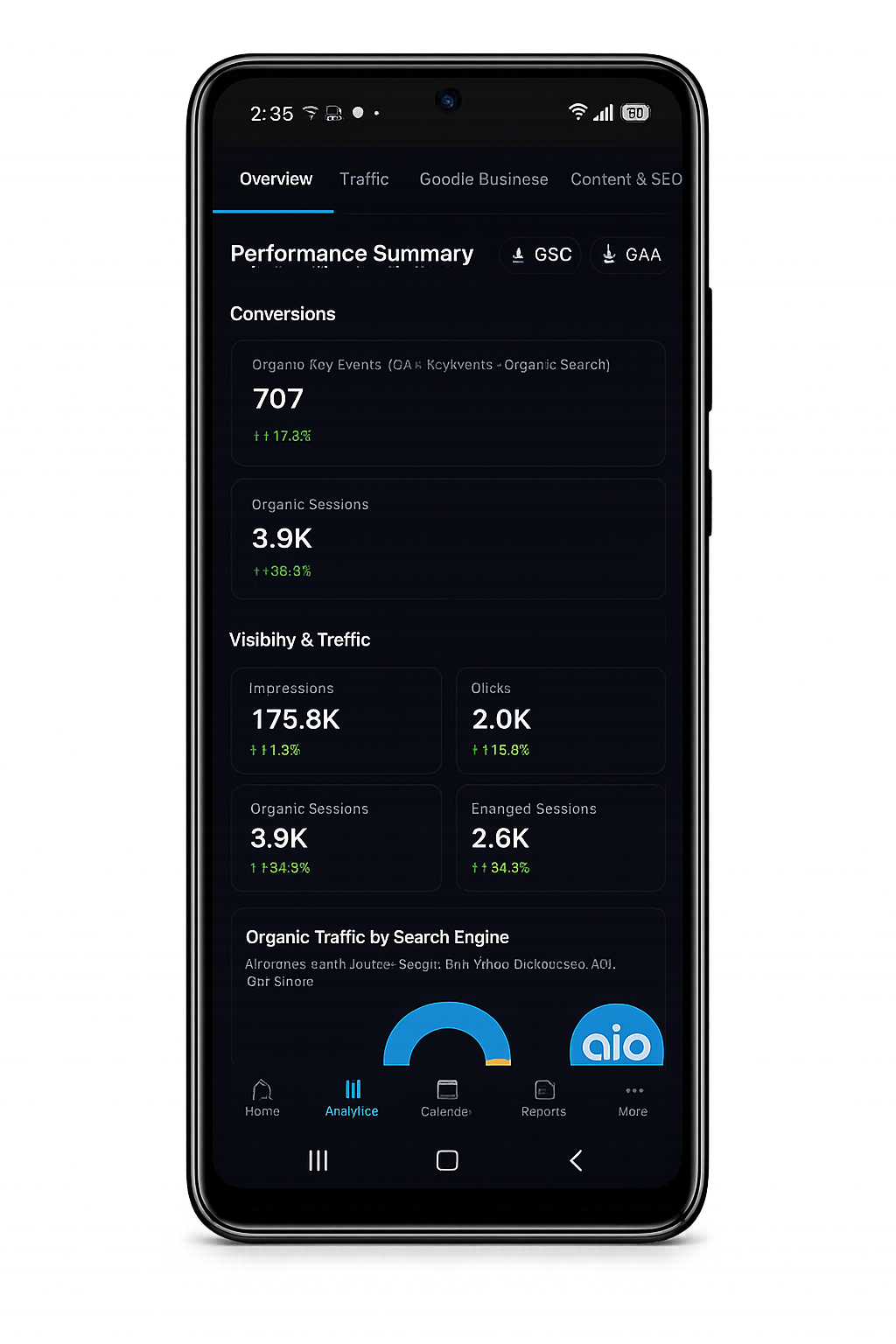
ORGANIC SEARCH ANALYTICS
Monitor SEO Visibility and Organic Growth- Google Search impressions
- Organic clicks
- Organic sessions
- Search visibility trends
- Top landing pages
- Period comparisons
CONTENT & SEO PROGRESS
See the Work Supporting Your Growth- Published blog content
- Google Business Profile posts
- SEO improvements
- Website updates
- Completed monthly work
- Ongoing recommendations
More Visibility Than a Traditional Monthly SEO Report
A monthly report remains useful for summarizing completed work, explaining major performance changes and outlining next steps. However, business owners should not have to wait until the end of the month to see basic information about their marketing.
The AIO Analytics App adds an ongoing layer of visibility between reports. Clients can review current data, inspect recent trends and stay informed about content and campaign activity whenever they need an update.
This combination gives clients both convenient dashboard access and the professional analysis needed to understand what the numbers mean.
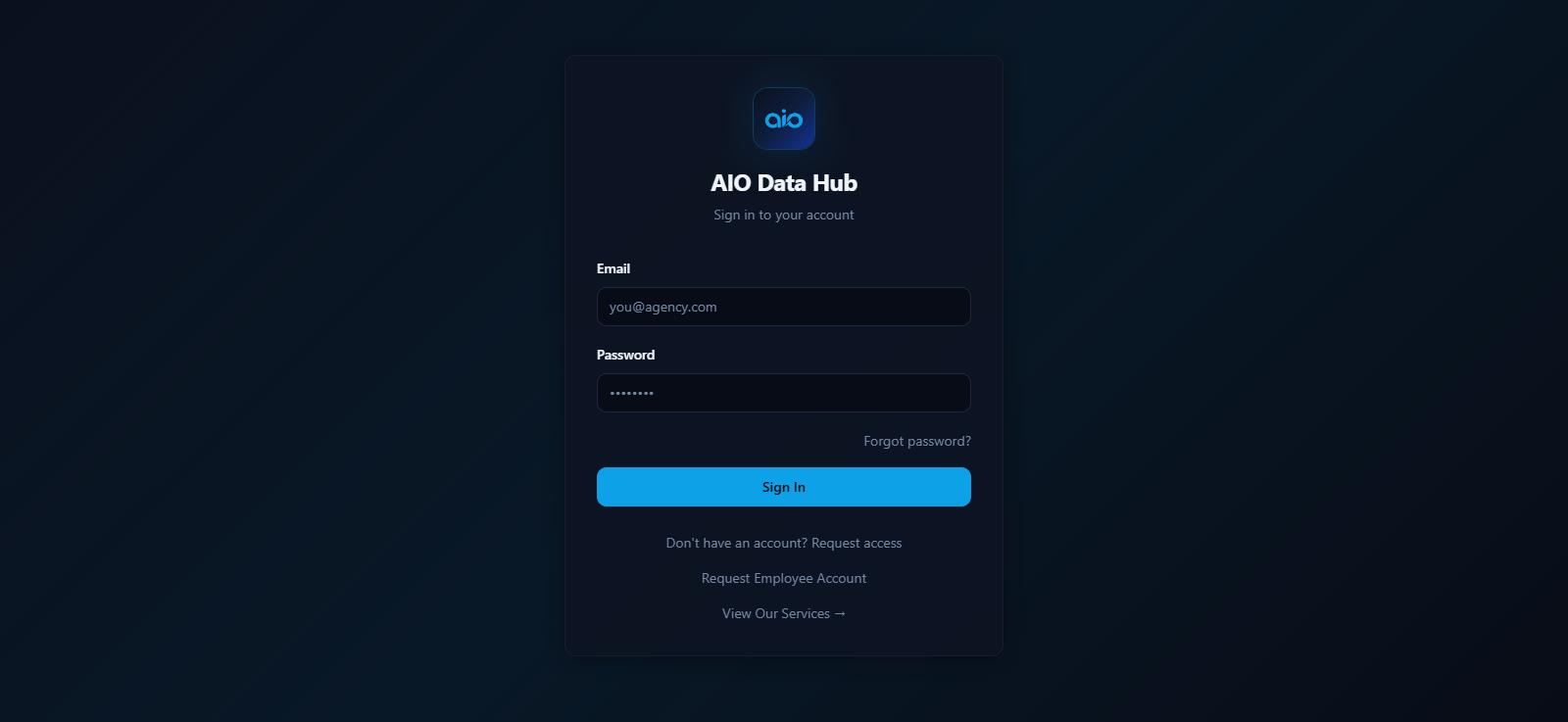
How to Access the AIO Analytics App
STEP 1
Choose an Eligible Monthly Service
App access is available with qualifying ongoing services such as SEO, content management, Google Business Profile management, PPC or other supported marketing plans.
STEP 2
Connect Your Marketing Data
AIO Web Designs connects the appropriate website, analytics and marketing platforms based on the services being managed.
STEP 3
Receive Your Secure Login
Authorized users receive access to a personalized account displaying the data and tools available for their business.
STEP 4
Monitor Performance Anywhere
Sign in from a compatible phone, tablet or computer to review current data, content schedules and available reports.
Your Marketing Data Without the Reporting Delay
Traditional agency reporting often arrives as a static document after the reporting period has ended. The AIO Analytics App gives active clients access to frequently refreshed performance data, allowing them to check important trends between formal monthly reports.
Instead of waiting to see whether traffic, conversions or campaign activity changed, clients can sign in from a phone or computer and review the latest information available from their connected platforms.
Data availability and refresh timing depend on the source platform, connected account and selected AIO services. The dashboard is designed to improve visibility, not replace the official reporting tools provided by Google and other platforms.
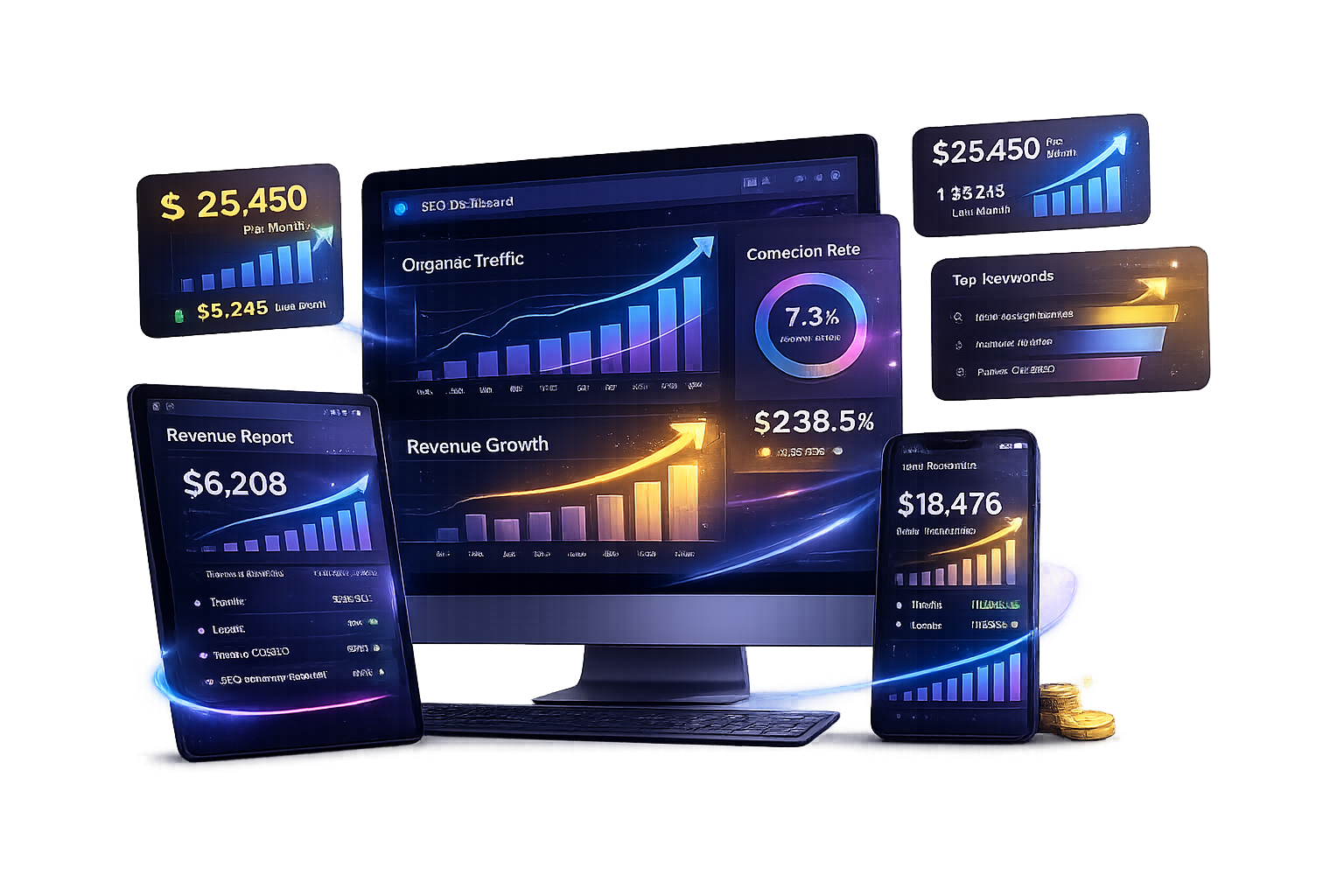
One Dashboard for SEO, Content and Paid Marketing
Marketing performance is easier to understand when related information is presented together. The AIO Analytics App connects key data from organic search, website analytics, Google Business Profile activity, content publishing and paid campaigns.
Clients can move between performance sections without logging into several disconnected platforms. This creates a clearer view of what is happening across their digital marketing strategy and how different services support one another.

Frequently Asked Questions About the AIO Analytics App
What is the AIO Hub Analytics App?
The AIO Analytics App is a client reporting dashboard that brings together website, SEO, content, local search and paid marketing information. The available sections depend on the client’s active services and connected platforms.
Is access included with every service?
Access is included with qualifying monthly AIO Web Designs services. One-time projects may not include ongoing dashboard access unless it is specifically included within the project agreement.
How frequently is the data updated?
The dashboard displays the latest data available from connected platforms and AIO systems. Refresh timing varies by source, so some information may update more frequently than other metrics.
Does the app replace monthly reporting?
No. The app supplements professional monthly reporting by giving clients access to performance information between formal reports. Monthly reports provide context, analysis, completed work and recommended next steps.
What information can I see?
Depending on your services and connected accounts, you may see organic traffic, search impressions, clicks, conversions, Google Business Profile activity, content schedules, paid traffic, PPC analytics, Local Services Ads information and completed marketing work.
Can I use the dashboard on my phone?
Yes. The AIO Analytics App is designed for convenient access from compatible mobile devices and desktop browsers.
Can multiple employees receive access?
Additional authorized users may be added when appropriate. Access should only be provided to individuals approved to view the company’s marketing and performance information.
Is the information private?
Each client account is configured to display information associated with that business. Login credentials should be protected and only shared with authorized users.