
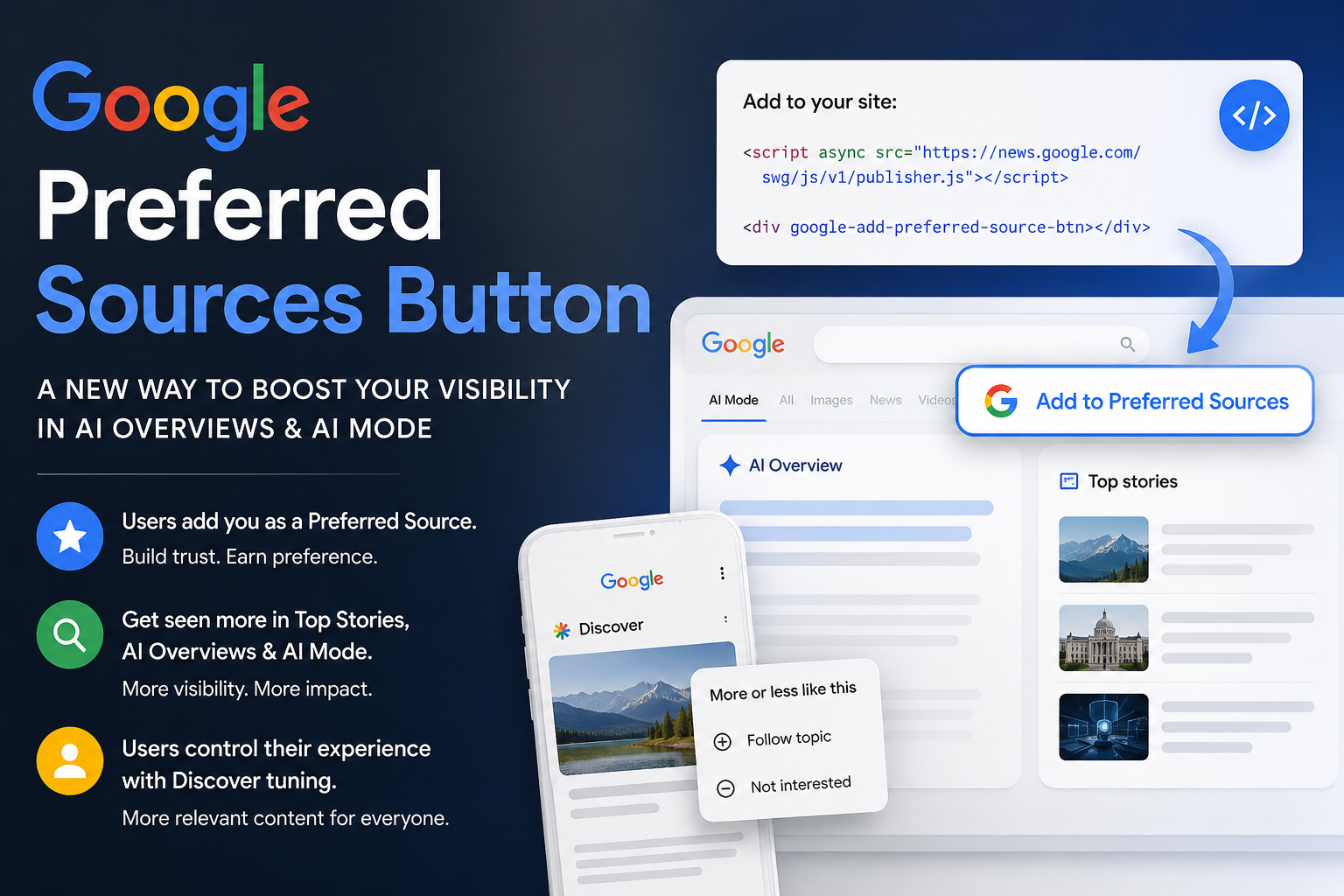
Google just gave website owners something that deserves attention. On August 20, 2026, Google announced a new embeddable Preferred Sources button that publishers can place directly on their websites. With a simple click, a visitor can tell Google that they want to see more content from that website across supported Google experiences.
That alone would be interesting. What makes this update much bigger for SEO is where those preferences can influence visibility.
Google says Preferred Sources can help readers find their favorite publications more often in Top Stories, AI Overviews, and AI Mode. For businesses and publishers trying to understand how traditional SEO is evolving alongside AI-powered search, this is one of the clearest examples yet of Google giving users direct control over which sources they want to hear from.
Even better, Google has made the new button remarkably easy to implement.
The standard installation requires only a small JavaScript file and a simple HTML element. A site owner can add the button to blog posts, news sections, resource pages, or other areas where engaged visitors are likely to see it.
This does not mean every person who clicks the button will suddenly make your website rank first. Preferred Sources is not a magic SEO switch. But it creates something extremely valuable: a direct preference signal from a real user telling Google that your website is a source they want to see again.
That is worth paying attention to.
What Is Google Preferred Sources?
Google Preferred Sources allows users to select websites and publications they want Google to prioritize more prominently when relevant content from those sources is available.
The idea is simple.
Instead of Google relying entirely on algorithms to determine which publishers a person might prefer, the user can explicitly say, “I want to see more from this source.”
When a website has been selected as a Preferred Source, its content has a greater opportunity to appear for that specific user within Google’s supported experiences.
Google’s Search Central documentation specifically states that content from a selected website is more likely to appear in Top Stories. Within AI Overviews and AI Mode, content from a selected source can also receive a “preferred” designation.
This distinction matters.
Preferred Sources should not be thought of as a sitewide ranking factor that automatically improves rankings for everyone searching Google. It is much more personal than that. It changes how Google can present a source to users who have actively chosen that source.
In other words, this is less about manipulating Google’s algorithm and more about turning your existing audience into a stronger search audience.
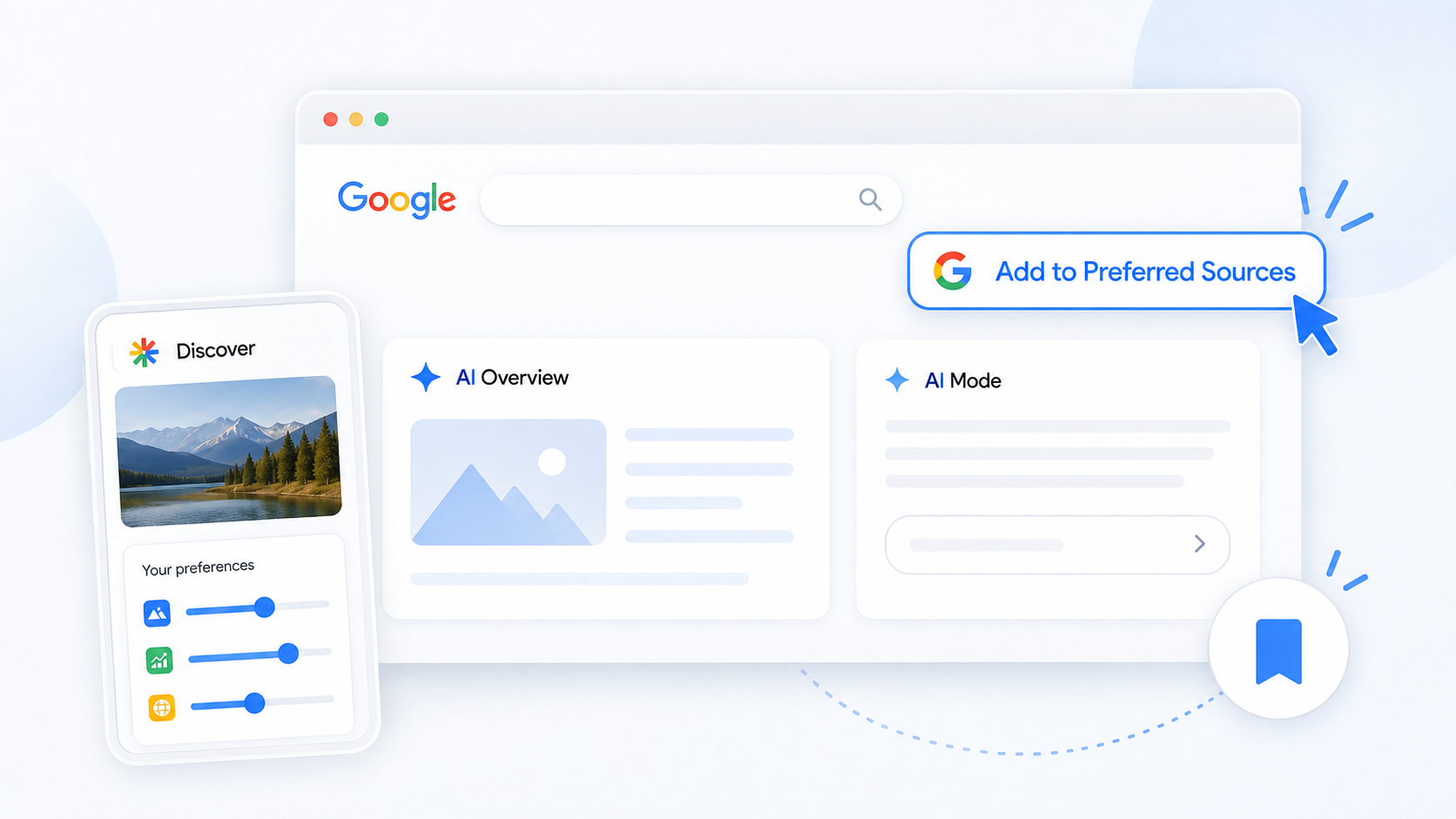
Google Now Lets You Put a Preferred Sources Button Directly on Your Website
Previously, getting users to add a publication as a preferred source created more friction. A person generally needed to enter Google’s source preferences experience and select a publication there.
Google’s new interactive button makes that process much easier.
A publisher can now place the button directly on its website. When a visitor clicks it, Google handles the Preferred Source selection process and then returns the reader to the page they were viewing.
That last part is important.
You are no longer asking an engaged website visitor to leave your content, navigate through Google, make a selection, and hopefully remember to return. The new experience is designed to make the action much more natural.
Google says more than 600,000 unique sources have already been selected by users through Preferred Sources. Making the selection process easier could dramatically increase adoption.
How to Add the Google Preferred Sources Button to a Website
The standard implementation is surprisingly small.
Google recommends adding its Preferred Sources JavaScript library to the page, preferably within the website’s head section:
<script async src="https://news.google.com/swg/js/v1/publisher.js"></script>You then place the following element wherever you want Google’s button to appear:
<div google-add-preferred-source-btn></div>That’s the basic implementation.
Google’s script finds the element and automatically renders the Preferred Sources button for the visitor.
The standard button is also localized automatically based on the user’s browser language, which makes it useful for websites serving audiences in multiple regions.
Using a Dark Preferred Sources Button
Google provides both light and dark theme options. A dark version can be enabled by adding the appropriate data attribute:
<div google-add-preferred-source-btn data-theme="dark"></div>Website owners can also override the automatic language selection when needed.
For developers who want the button to match a custom website experience, Google provides a more advanced JavaScript implementation that allows the Preferred Sources action to be attached to custom interface elements.
There is also a direct-link option for sites where JavaScript implementation is not practical.
Why This Matters for AI Overviews and AI Mode
For years, SEO has largely focused on convincing an algorithm that a website deserves visibility.
Create the strongest page. Earn authority. Build internal links. Improve technical performance. Answer the searcher’s question better than competing pages.
Those things still matter.
But AI-powered search is introducing another layer: source preference and source recognition.
Google does not simply need to determine which individual page contains relevant information. Its AI systems also need to decide which sources deserve to be surfaced, cited, referenced, or given additional visibility while constructing an answer.
Preferred Sources gives users a direct way to influence part of that experience.
Imagine someone regularly reading your company’s research, guides, industry updates, or local resources. That person already trusts your website enough to consume the content.
Now you can place a button near that content asking them to essentially tell Google:
I trust this source. Show me more from them.
That relationship between audience loyalty and search visibility is what makes the update so interesting.
This Is Bigger Than Another SEO Button
It would be easy to treat Preferred Sources as another technical SEO task.
Add the script. Insert the button. Check it off the list.
That misses the larger opportunity.
The businesses that benefit most will probably be the ones that actively encourage their audiences to use it.
Think about how companies already promote:
- Email newsletter subscriptions
- YouTube subscriptions
- Facebook follows
- Instagram follows
- Podcast subscriptions
- Push notifications
Google Preferred Sources can now become another audience-building call to action.
A publisher could place the button at the end of a strong article with a short message such as:
Find our latest guides more easily on Google. Add us as a Preferred Source.
It could appear inside a site’s resource center, near newsletter signup forms, or beside social media follow buttons.
A business with a loyal email audience could even explain the feature in its newsletter and direct readers back to the website to make the selection.
The goal is not simply adding another button. The goal is converting an existing reader into someone who has explicitly told Google that your content matters to them.
Preferred Sources Reinforces the Importance of Becoming a Trusted Resource
This update also highlights a larger shift happening in search.
Publishing content only because a keyword has search volume is becoming less effective as a long-term strategy.
Websites need a reason for people to remember them.
If someone reads an article, gets the answer, and never thinks about the source again, there is little reason for that person to mark the website as preferred.
If your site consistently provides useful answers, original insights, real examples, local expertise, industry knowledge, helpful tools, or trustworthy advice, the situation changes.
The visitor may begin recognizing the brand.
They may return directly.
They may subscribe.
And now they may tell Google that they prefer your website.
This means brand building, content quality, SEO, and AI search visibility are becoming increasingly connected.
Google Is Also Giving Users More Control Over Discover
Preferred Sources was not Google’s only personalization announcement.
Google is also expanding how users can control their Discover feed.
Discover already allows people to follow topics, indicate that they are not interested in certain subjects, and remove sources they do not want to see.
Google is now taking that personalization further with natural-language instructions.
According to Google, users will soon be able to open the three-dot menu on content in Discover and describe what they want to see more or less of using normal language.
Instead of choosing only from predefined buttons, someone could give Google a more specific preference.
For example, a user interested in home improvement might want more kitchen remodeling ideas but only environmentally friendly ones. Someone interested in travel could ask for more weekend road-trip content while excluding camping-related recommendations.
Google says Discover will adjust to those requests and remember them.
The feature is expected to roll out through the Google app in the coming days.
What Discover Tuning Means for Content Strategy
Natural-language Discover controls create another reason to stop thinking about audiences as broad categories.
People are becoming capable of telling recommendation systems exactly what they want.
That favors websites that go deeper into specific subjects.
A generic article called “Tips for Buying a Car” may struggle to build much long-term audience preference.
A detailed guide answering a very specific question about towing capacity, ownership costs, maintenance, technology, or comparing two vehicles gives Google and the reader much more context.
The same principle applies across industries.
A pest control company can provide detailed content about particular pests, seasonal infestations, treatment options, and local conditions.
A real estate company can create neighborhood-specific market information.
A medical practice can build detailed educational resources around the services and questions its patients regularly have.
A contractor can publish guides covering individual project types, materials, costs, maintenance issues, and regional considerations.
The more clearly a website establishes what it knows and who its content is designed to help, the easier it becomes for search and recommendation systems to connect that content with highly specific user interests.
Should Every Business Add the Preferred Sources Button?
Not necessarily.
Google currently requires a domain or subdomain to be available within its source preferences system. A specific directory, such as example.com/blog/, cannot be independently selected as a Preferred Source.
Before adding the button, website owners should verify that their domain is available through Google’s source preferences tool.
The feature is also especially relevant for businesses that regularly publish informational content.
If a website consists of five static service pages that rarely change, there may be less reason for someone to select it as a source they want Google to surface repeatedly.
On the other hand, businesses investing in ongoing blog content, news, research, educational resources, market updates, or industry commentary should take this seriously.
Those companies already have an audience-building strategy. Preferred Sources gives them another way to strengthen it.
Where Should You Put the Preferred Sources Button?
Placement matters.
Putting the button everywhere could make it feel like background clutter. Putting it somewhere nobody notices defeats the purpose.
Some of the strongest locations are likely to include:
- At the end of blog posts
- Below especially useful guides or resources
- Inside a blog sidebar
- Near newsletter signup forms
- On the main blog or resource page
- Alongside social follow buttons
- Within highly engaged content categories
For many websites, the end of an article makes the most sense.
Someone who has just spent several minutes reading a helpful 1,500-word guide is far more qualified to select the website as a preferred source than a first-time visitor who has been on the page for five seconds.
Context around the button can also help.
Instead of dropping an unexplained Google button onto the page, tell readers what it does.
Something as simple as “Like our guides? Add us as a Preferred Source on Google to see more from us in Search” makes the value clear.
Does Preferred Sources Replace Traditional SEO?
No.
And this is an important point.
Adding a Preferred Sources button does not replace keyword research, technical SEO, helpful content, internal linking, backlinks, site architecture, local optimization, Google Business Profile management, or conversion optimization.
Google still has to understand your website and determine that your content is relevant enough to surface in the first place.
A user preference cannot rescue poor content that does not answer the query.
Instead, Preferred Sources should be treated as an additional layer on top of a strong organic strategy.
First, create content worth finding.
Then create content worth remembering.
Now, give the reader an easy way to tell Google they want to see more of it.
AI Search Optimization Is Becoming Audience Optimization
One of the biggest mistakes businesses can make right now is assuming that AI search optimization is simply traditional SEO with a different name.
There is overlap, but the search experience itself is changing.
Google is combining traditional results, AI-generated answers, citations, recommendations, personalized feeds, source preferences, and conversational follow-up questions.
That means visibility increasingly depends on more than ranking a single URL for a single keyword.
Businesses need strong topical coverage. They need clearly written content. They need recognizable expertise. They need accurate information. They need content that answers follow-up questions. And, increasingly, they need people who actually recognize and prefer their brand.
Google Preferred Sources fits directly into that picture.
For perhaps the first time at this scale, a website can ask its readers to provide Google with a direct signal that says they want that particular source represented more prominently in their own search experience.
That is a meaningful development.
What Website Owners Should Do Next
Businesses and publishers do not need to rebuild their entire SEO strategy because of this announcement.
But there are several practical steps worth taking now:
- Check whether your domain is eligible for Preferred Sources.
- Add Google’s new interactive Preferred Sources button where appropriate.
- Place the button near content consumed by your most engaged visitors.
- Explain why a visitor should select your website instead of displaying the button without context.
- Continue building useful, original content around topics your audience genuinely cares about.
- Pay attention to how AI Overviews, AI Mode, Discover, and personalized Search continue evolving.
Most importantly, do not approach this as a shortcut.
If your content is forgettable, people will not choose your site as a Preferred Source simply because a button exists.
The button works best when the website has already earned the click.
The Future of Google Visibility Is Becoming More Personal
Google’s August 2026 Preferred Sources update may look like a small technical change, but the idea behind it is much larger.
Search visibility is becoming increasingly personalized.
Google still decides which pages are relevant. Its algorithms still evaluate websites. SEO fundamentals still matter. But users are gaining more power to tell Google which sources and topics they personally want represented.
Preferred Sources brings that behavior into Top Stories, AI Overviews, and AI Mode. Natural-language Discover tuning takes personalization even further by allowing users to describe exactly what they want to see.
For website owners, the message is clear.
Getting found is no longer the entire goal.
You want people to recognize your website, trust it, return to it, and eventually tell Google that yours is one of the sources they want to hear from.
That is where SEO, content marketing, brand authority, and AI search optimization are beginning to meet.
And for websites already investing in genuinely useful content, Google’s new Preferred Sources button is a simple feature that deserves to be implemented sooner rather than later.